
Courses from your own documents
Upload a PDF, slide deck or web page. The Course Studio drafts lessons and quizzes from it and keeps each lesson tied to its source.
Learn more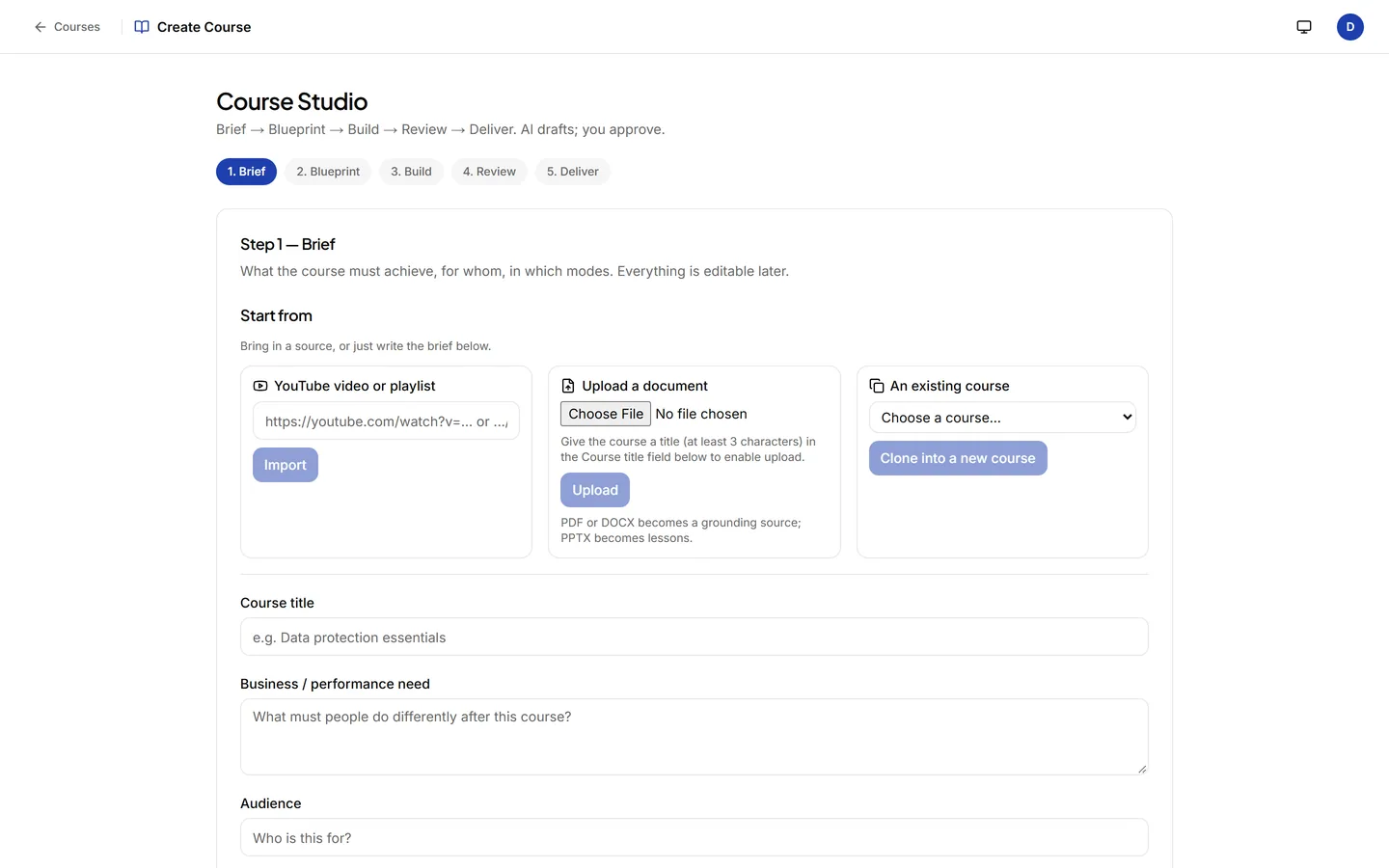
No portal for people to ignore. AI drafts lessons and quizzes from your PDFs, slides and pages, someone on your team approves them, and they arrive in Slack and Microsoft Teams.
Free plan forever. 14 days of Premium included, no card. You stay on Free unless you upgrade.
 AcademyApp
Priya S.
Data Handling Policy.pdfCan we turn this into a quick lesson for the team?
AcademyApp
Drafted 4 lessons and 2 quizzes from Data Handling Policy.pdf.
Approved by Priya S.AcademyApp
New lesson: Sharing data with vendors
What to check before a customer list leaves the company.
Arjun M.
Done. 3 of 3 right.
Lessons arrive in the chat tools your team already uses: Slack, Microsoft Teams, WhatsApp, Google Chat or Zoho Cliq.
SSO (SAML 2.0 and OIDC) and SCIM on every paid planNo card to startSomeone on your team approves every course before it goes out
How it works
A PDF, a slide deck, a Word file or a web page. Or pick a course from the open library.
AI drafts the lessons and quizzes. No course goes out until a person on your team says it is ready.
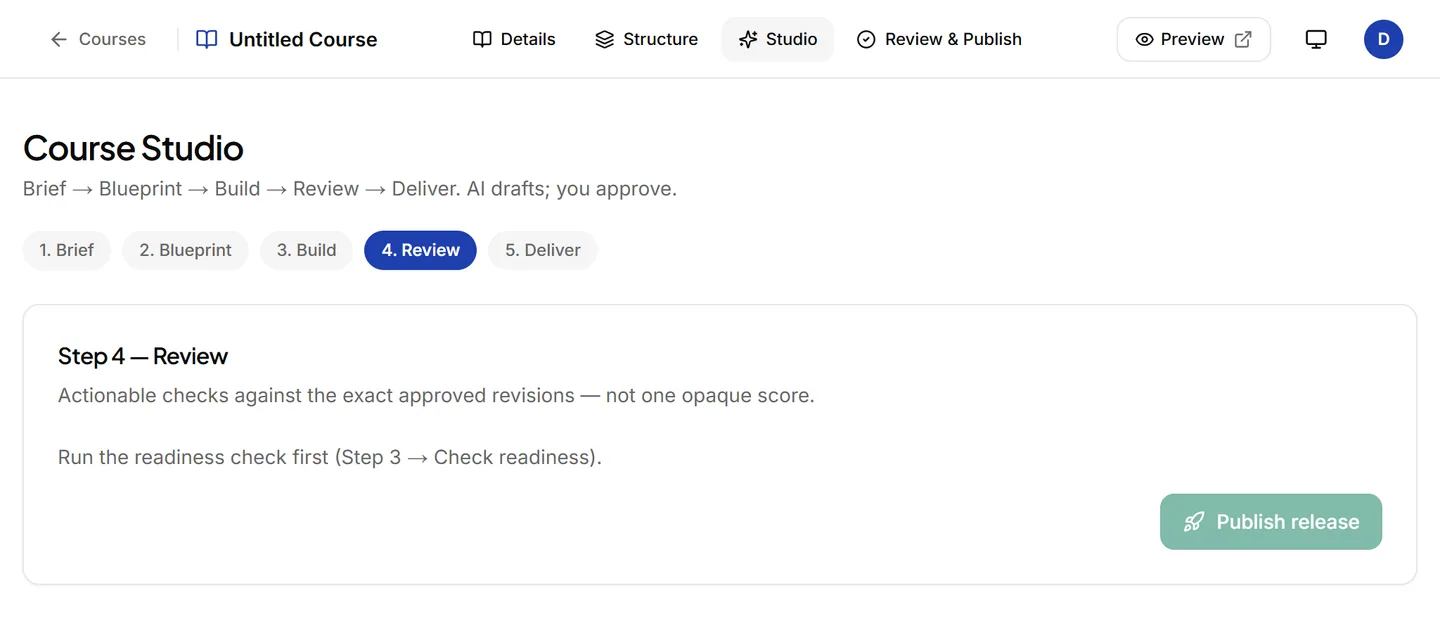
People get a short message with a Start button. Reminders stop at two a day by default.
What you get
Upload a PDF, slide deck or web page. The Course Studio drafts lessons and quizzes from it and keeps each lesson tied to its source.
Learn moreShort lessons, quizzes, flashcards and roleplay practice arrive where people already talk. Nobody has to remember a new login.
Learn more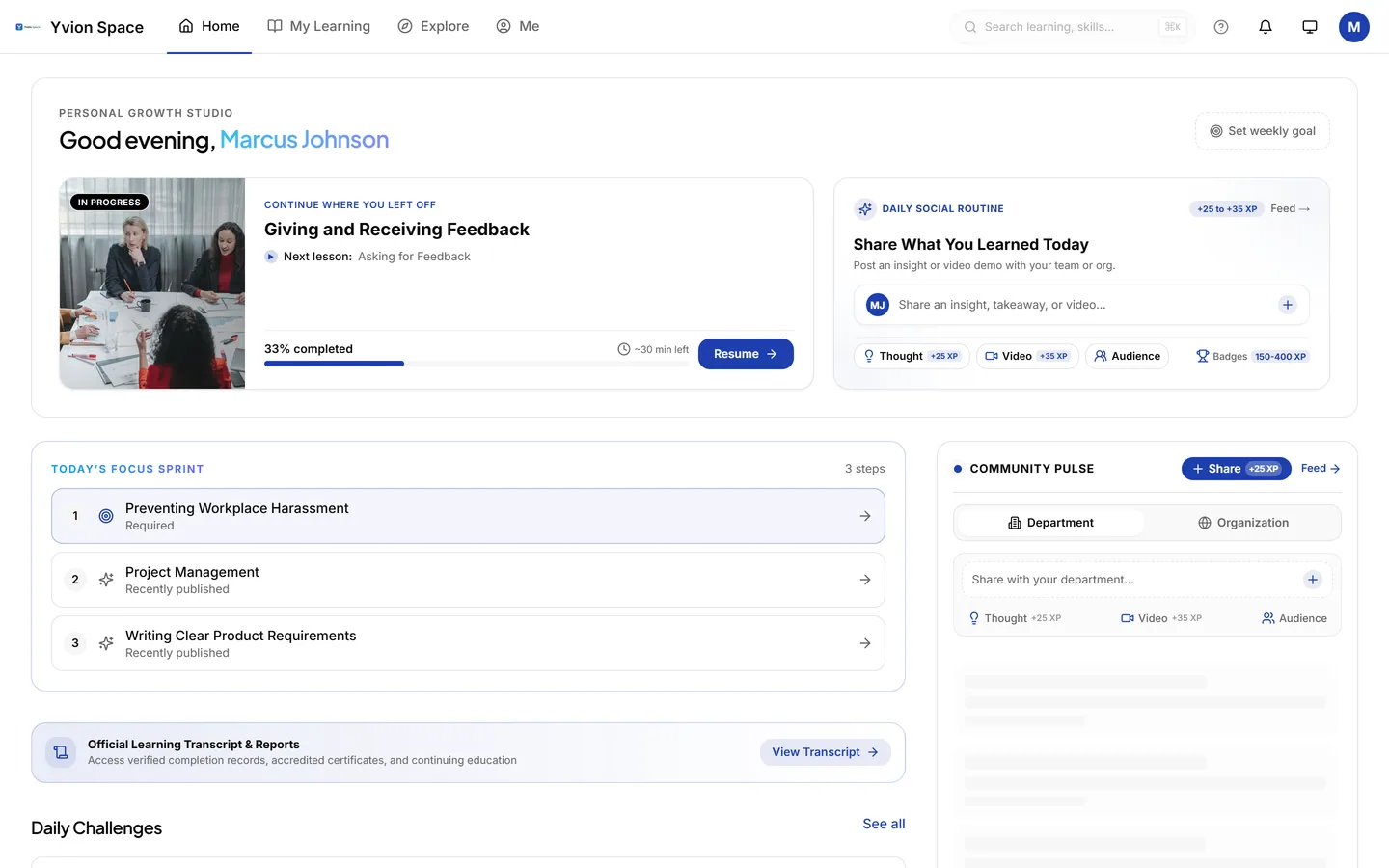
Anyone can ask a question and get an answer drawn from your own documents, with the source named. If nothing matches, it says so.
Learn more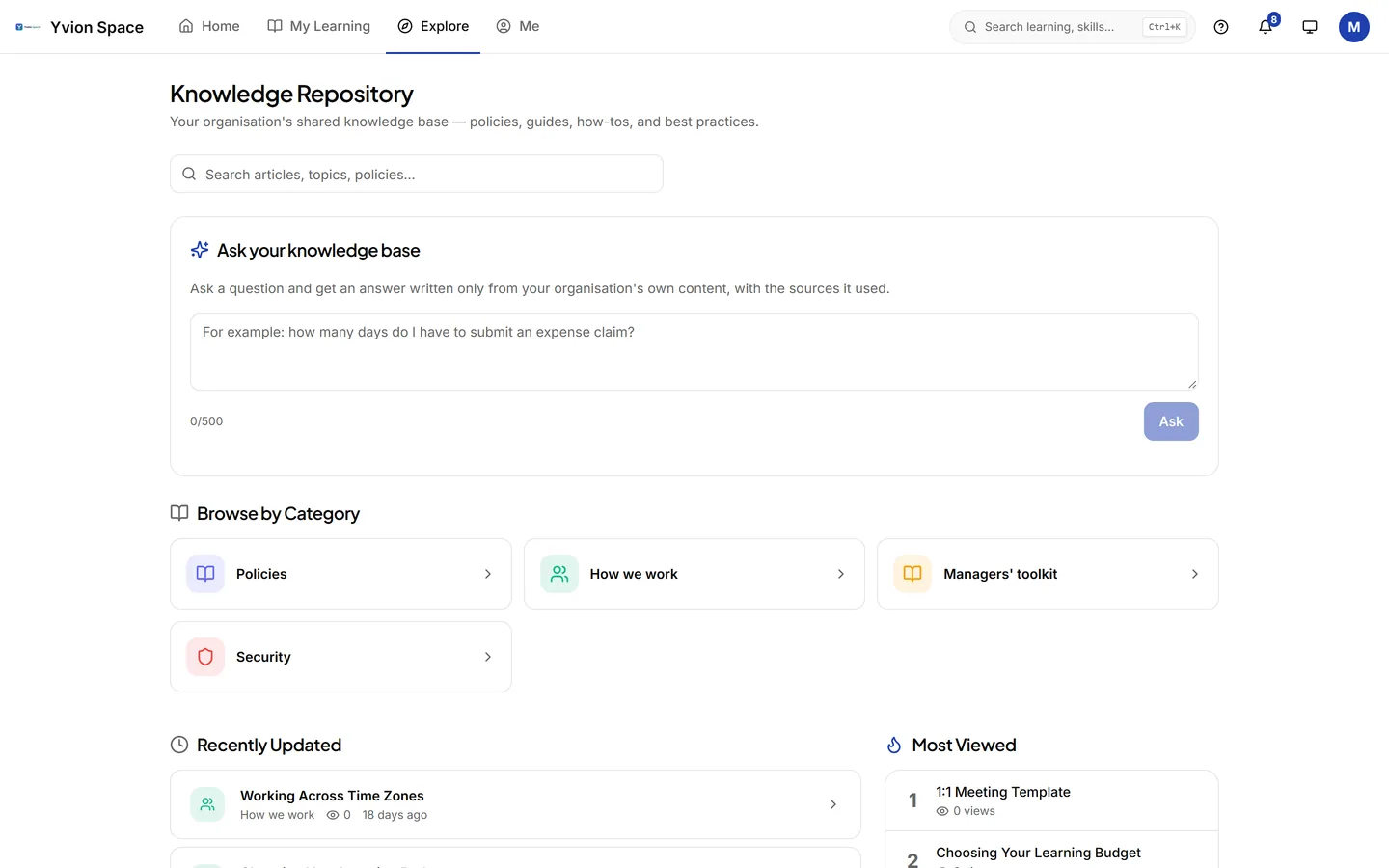
See who finished, who is falling behind and why, and whether training changed behaviour (Kirkpatrick levels 1 to 4).
Learn more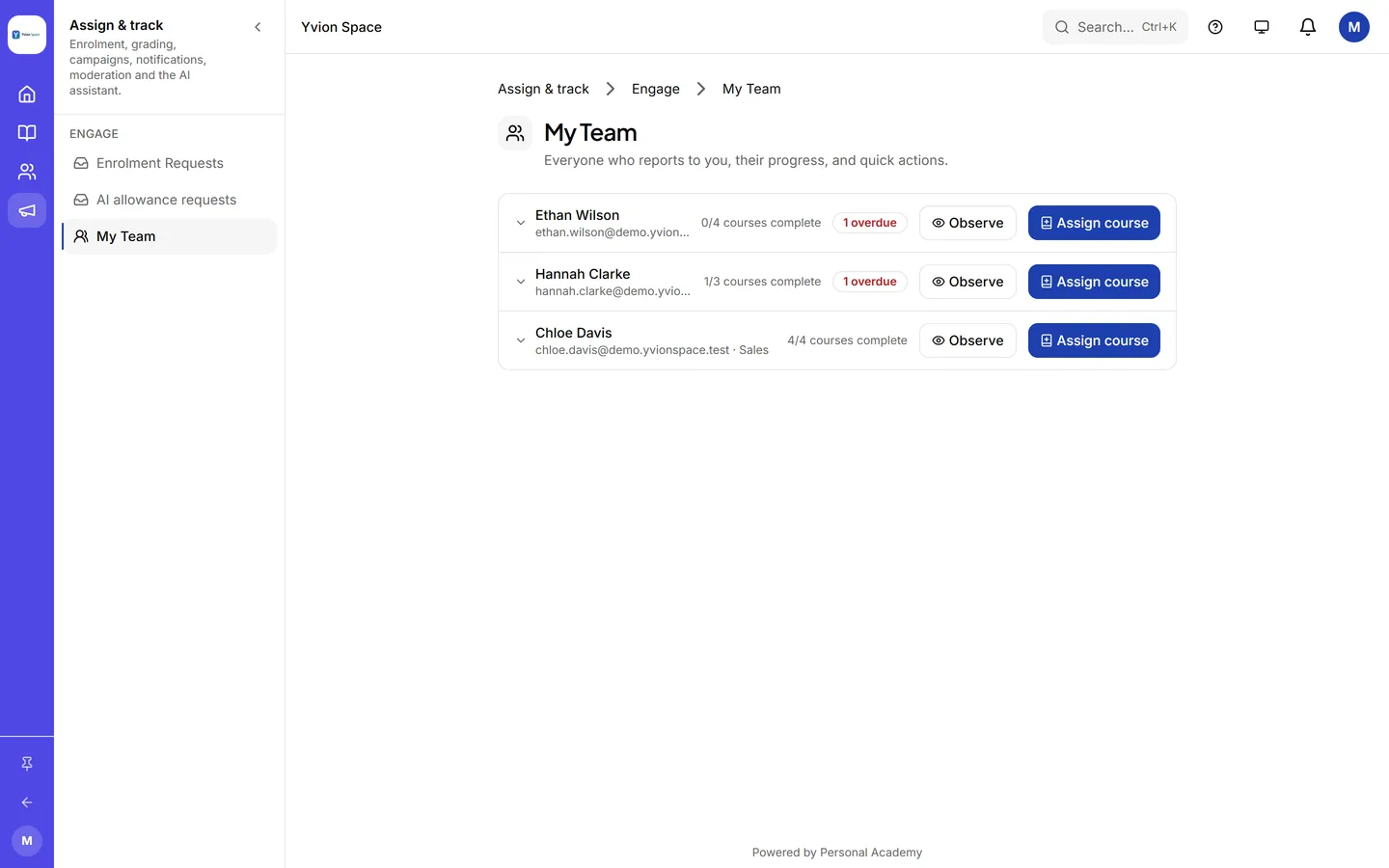
Verified certificates anyone can check by link.
SCORM 1.2, xAPI and LTI 1.3, plus an open library of licensed courses.
Every company's data kept apart in the database. Chat text deleted after 30 days by default.
due, ask, learn, practice, roleplay and assign, typed in the thread.
Pricing
One price per active user a month. No minimums. Cancel monthly. AI usage included.
$0
Free forever
$1
per active user a month
$2
per active user a month
$3
per active user a month
50 people on Advanced: $100 a month.
You will not be asked for a card.
Questions
Yes. Lessons, quizzes, flashcards and answers arrive as messages in Slack and Microsoft Teams, and people reply with buttons in the thread. WhatsApp, Google Chat and Zoho Cliq run on the same engine. The bot only sees messages sent to it and never reads your channels.
No. Sign up with your work email and your organisation gets 14 days of Premium with every feature switched on. When the trial ends you stay on the Free plan, with your content intact, unless you choose to upgrade. You can cancel any month.
Your organisation moves to the Free plan. Nothing is deleted: courses, people and certificates stay where they are. Features above Free become read-only until you pick a paid plan, which you can do in any month and cancel in any month.
Yes. SAML 2.0 and OIDC single sign-on and SCIM user provisioning are included on every paid plan, at no extra cost. Every organisation's data is kept apart at the database level. The security page lists the details and the documents your IT team will ask for.
Set up in minutes. Send your first lesson today.
Free plan forever. 14 days of Premium included, no card. You stay on Free unless you upgrade.
Built by an L&D professional.