
A course builder with 28 block types, inside your learning platform
Can I build interactive courses in Personal Academy without a separate authoring tool?
Yes: Personal Academy is a learning platform whose built-in course builder offers 28 block types, and its AI Course Studio drafts courses for a person to approve. Authors need no separate seat; they pay the same per-active-user price as everyone else. AI grounds the outline in your documents, not yet the lesson text. Choose it to author and deliver together.
What you get, on which plan
The plan names and prices come from the published price list.
| What | What it does today | Included from | Evidence |
|---|---|---|---|
| Hand-built courses | Build lessons in the browser from 28 block types. | Free (free) | types/content-block.ts |
| AI Course Studio | Drafts a course from your documents; paid in AI credits from the plan's monthly pot. | Free (free) | lib/services/course-authoring/blueprints.ts |
| Hosted video | Upload and stream lesson video; lower plans link YouTube or Vimeo. | Advanced ($2 per active user a month) | types/content-block.ts (video block) |
| Course exports | SCORM 1.2, xAPI, Word, PDF and HTML. | Every plan | app/api/export/[courseId]/ |
The AI Course Studio: five steps, one approval
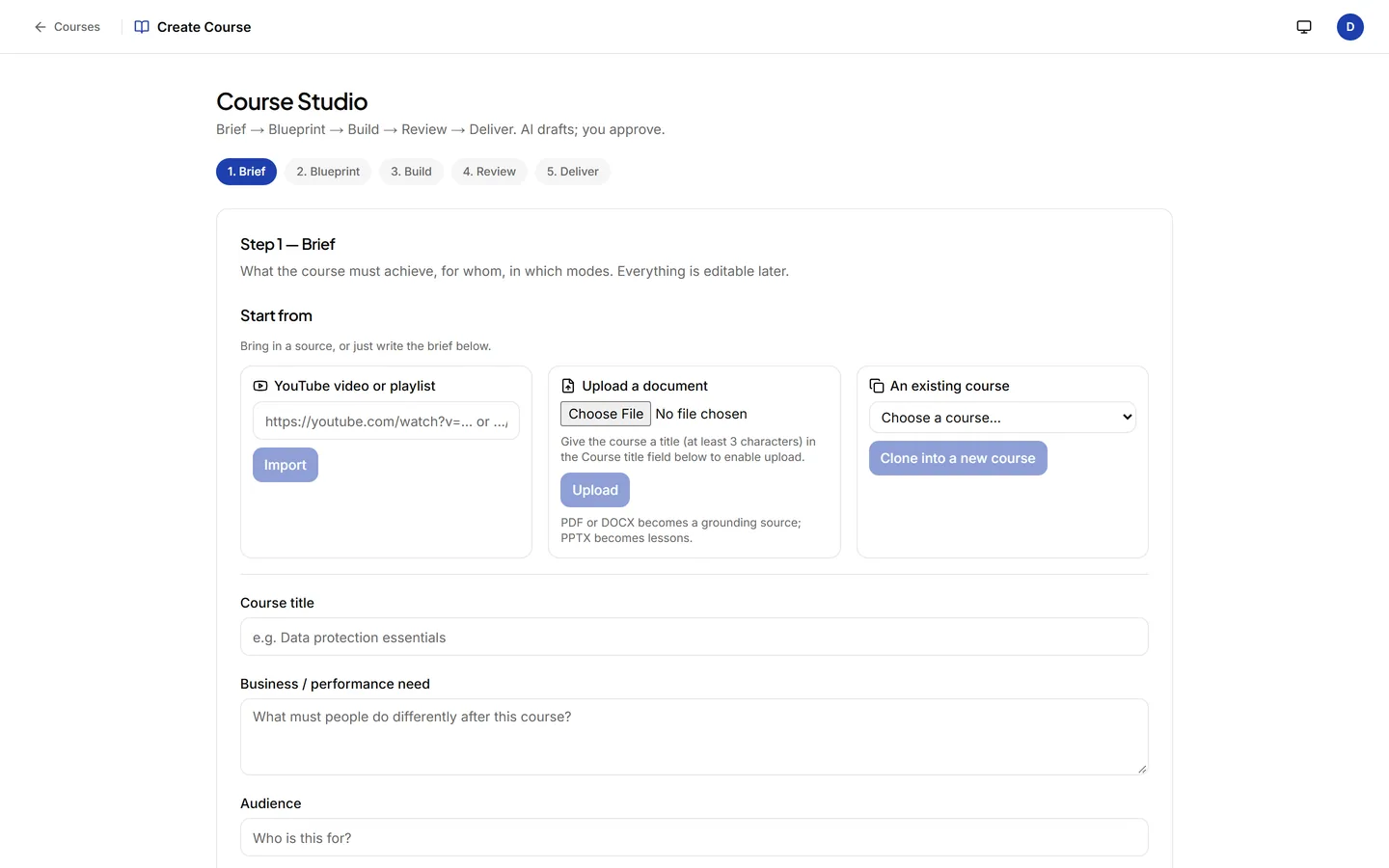
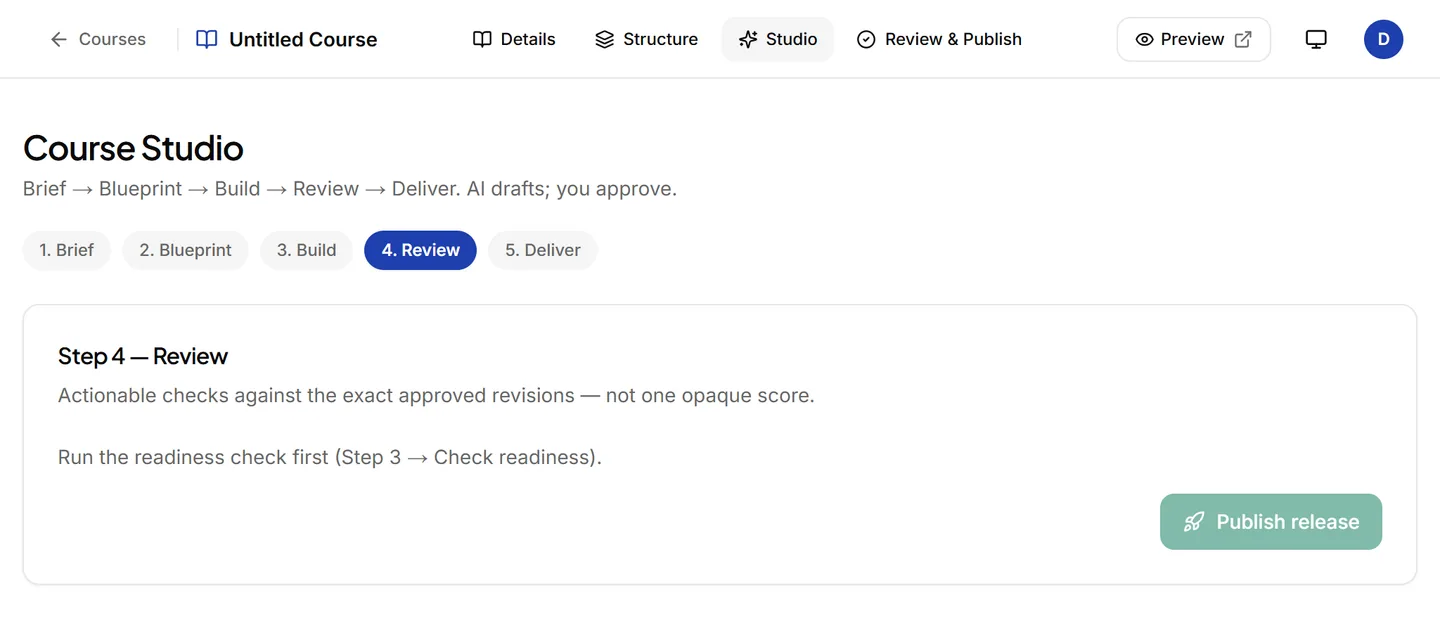
The Studio works in five steps: Brief, Blueprint, Build, Review, Deliver. Start from PDF, Word, PowerPoint, text or a web page. The AI drafts a course outline from your own documents for you to review; the lesson text it writes next does not yet draw on those documents, so a reviewer reads every lesson before release.
28 lesson block types
A selection by group, with the names the editor uses. Every block type has an editor, a preview, a learner view and an export.
Scenarios and decisions
Branching decisions, AI roleplay practice, step-by-step processes and timelines.
Active learning
Learners click, sort, flip and open rather than only read.
Technical and data
Code, charts, an in-browser sandbox, SCORM packages and an LTI 1.3 tool launch.
Media and questions
Video, audio, galleries, files and web content, with scored and practice questions.
Export your courses
Your courses stay yours. Export a course as a package for another LMS, or as a document for review and offline records:
Where your course content is stored and processed: see the sub-processor list and the security page.
Authoring capability registry
Live features carry their code evidence; roadmap capabilities show their planned release.
AI Course Studio
Generate a course outline with objectives and lesson modules using AI, then edit the result yourself.
Rich Content Editor
Build lessons visually with a modern editor that supports video, interactive code, quizzes, and callout boxes.
SCORM Package Importer
Import an existing SCORM 1.2 course package straight into your lesson blocks -- no manual unzipping.
Course Version History
See every past version of a course and roll back changes without losing learners’ completion records.
Turn Existing Material Into a Course
Turn a YouTube video, an existing syllabus, or a PDF into a structured, auto-graded course in about a minute.
Ready-Made Course Library
Deploy pre-built compliance, leadership, and technical courses with one click instead of writing them yourself.
Course Import/Export
Export a full course, including its content and SCORM package, so you’re never locked in.